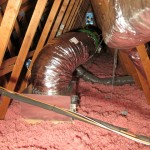
CLICK ON PICTURES TO ENLARGE
This is some candid feedback we recently received from a scrupulous customer who purchased and installed a 4.4e in his own home. He did all the necessary research, asked all the good questions, and was very careful with his purchase. That said, in the end he is quite happy with his fan. While other companies might cringe at the thought of inviting feedback from very particular customers, we encouraged it and we are happy he gave us permission to make it public here in our blog. This is just an example of one customer’s experience with us – from specification to follow-up – and stands as a reflection of the quality advice, support, and products that AirScape provides. When you call us you won’t speak to someone on commission, because our first priority is to recommend the best, most effective solution for your needs. We look forward to speaking with you!
And by the way, he called us after he had slept with it running, and his wife (the deciding factor) could not hear the fan at all. Another AirScape Win!
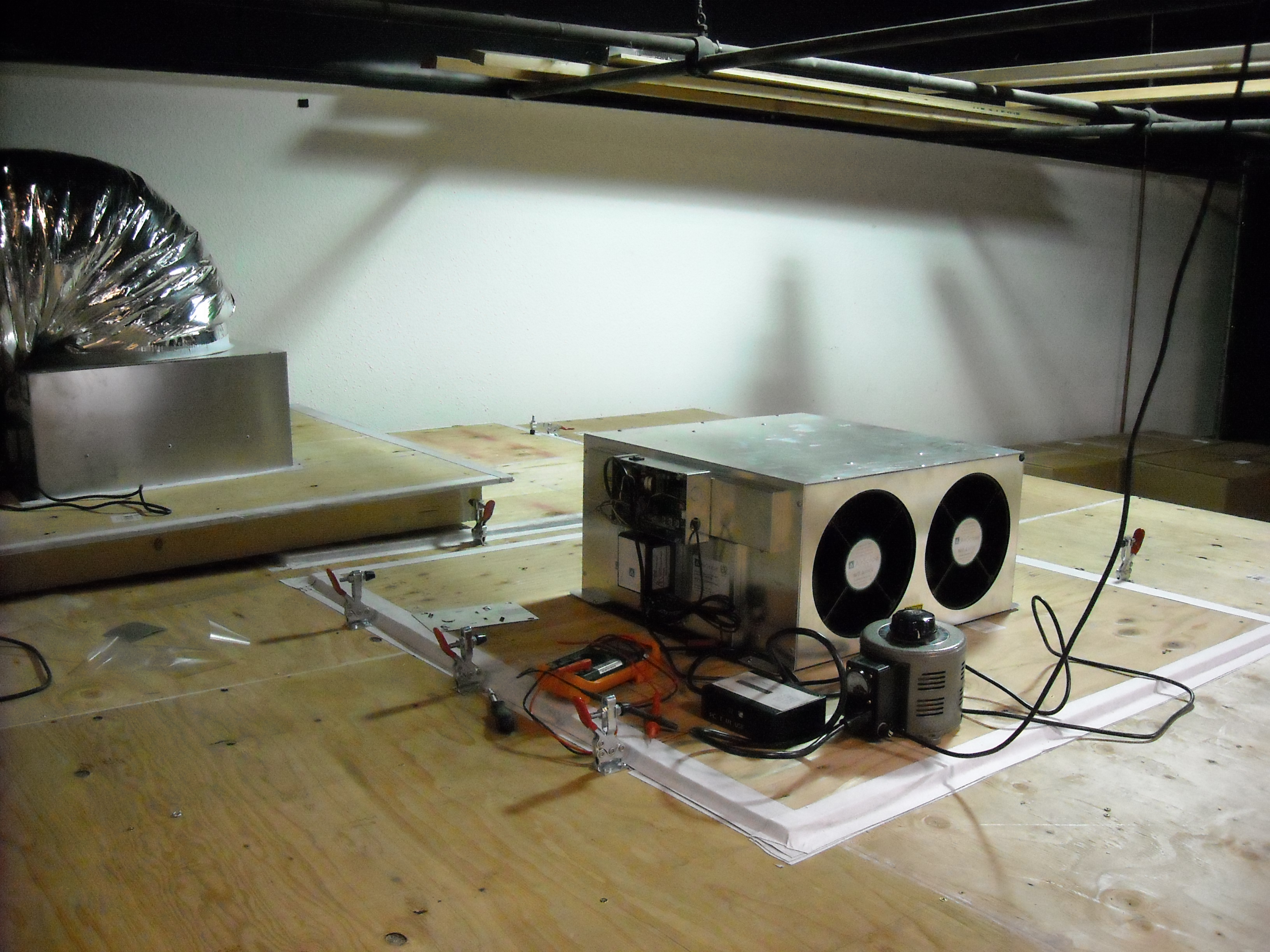
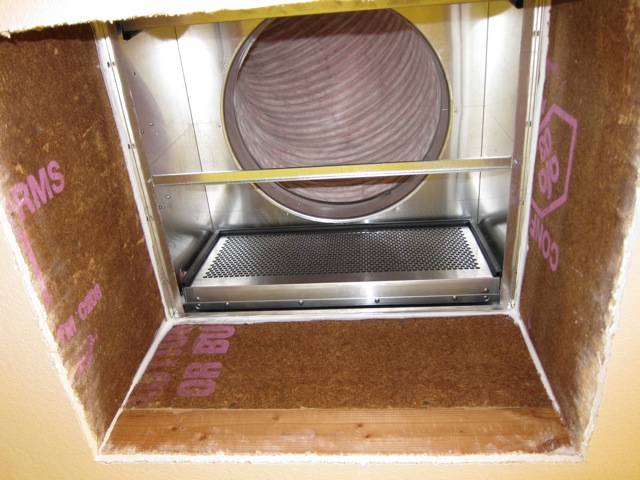
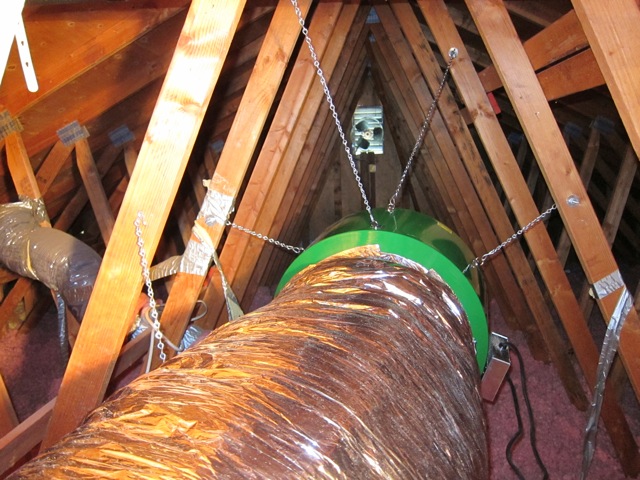
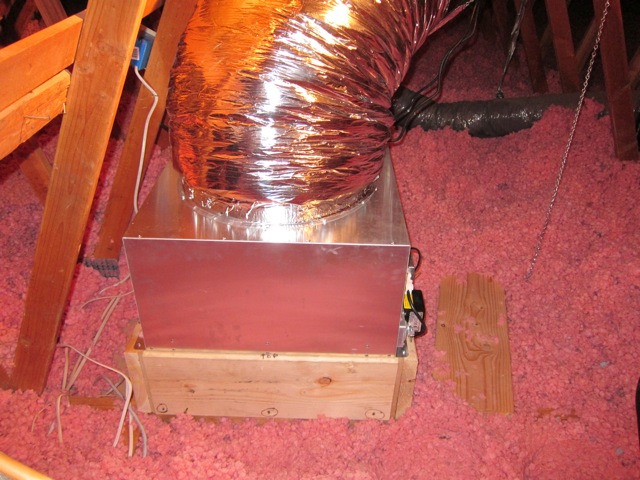
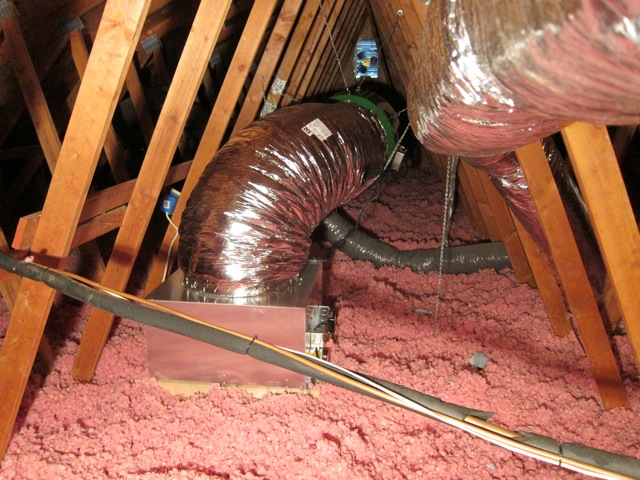
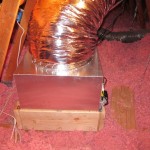
Hi guys, everything is installed and I attached some pictures. I used some 2×10’s to raise the box so I can eventually insulate more. Everything worked as discussed and the unit is very quiet compared to my old one. Haven’t tried to sleep with it though. You can’t tell it’s even running while watching tv and fan on low. HUGE, HUGE improvement. My wife kept asking me if it was running……success!
I felt everything was well built and nicely thought out. The parts fit together flawlessly and I’m impressed with the quality. Good job! As requested, here is some comments and constructive criticism…
1. Since I had a drill in the attic anyway, I drilled the rivet heads off the D rings not used and removed them…no noise possible and takes seconds per D ring (less time than taping)
2. I would throw in some extra screws and hardware. If you drop anything in blown in insulation it goes into never never land. It only cost 25 cents to add a few extra.
3. Don’t crimp the S rings on the eye bolts. Depending on the location, it was easier to shorten or lengthen the chain there and easier to unhook it off the eye bolt than the fan. Working by yourself, it’s easier to hook the eyebolt than hook the chain.
4. Drill a small hole in the electrical box of the damper box and install a grommet or bushing for the control wire. I did so and simply pushed the wire inside and tied a loose knot so it couldn’t come out. The knockout is simply too big for this.
5. I’m sure many people like me want a timer but your cover plate is for a single gang box. Perhaps just make some labels for the cover instead of printing? Your plate is really nice but useless for my installation.
6. I used the extra chain to support the duct. I used a 1/16 x 4″ x 24″ piece of ABS plastic between the chain and duct to spread the load and used the extra duct tape to keep the plastic bonded to the chain.
7. I found figure 7 a little confusing when I looked at the 45″ height since I could’t tell if you meant the top or bottom of the joist. A little math figured it out but I was hot and sweaty by then and normal patience was low. Perhaps a full side view and another looking straight at the fan?
8. I found it easier to first mount the box, then the fan per the drawing specs and then attach the ducting. Very easy that way and no risk of damaging the duct.
QUESTION…..I was thinking that removing the fan screen might cut noise and it’s there ONLY for safety but hey who’s in the attic? Is it needed for fan structural support? I would think not….
Anyway, thanks again for your great customer service. Andy was convincing and accurate on all details… Thanks!
Paul

 About
About  Airflow straightener installed
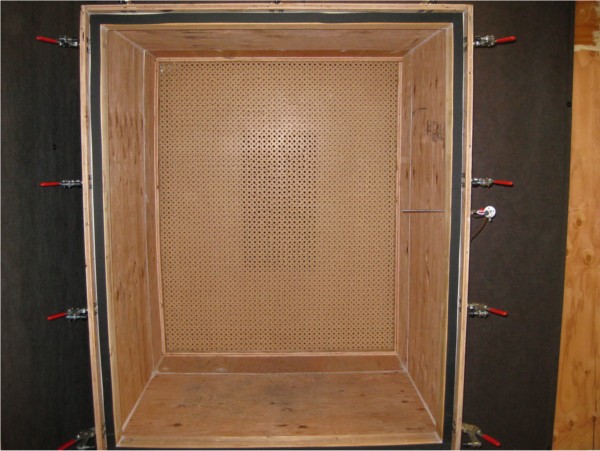 Airflow nozzles in place